How to export the punch list in YakProject
Owners and subcontractors often want the open items as a spreadsheet. Export the punch list as a CSV, filtered the way you see it.
Before you start
- A member of the job
Preview voice Narrated with a local preview voice; the final recording replaces it.
Transcript
Send the open punch items to a subcontractor as a spreadsheet.
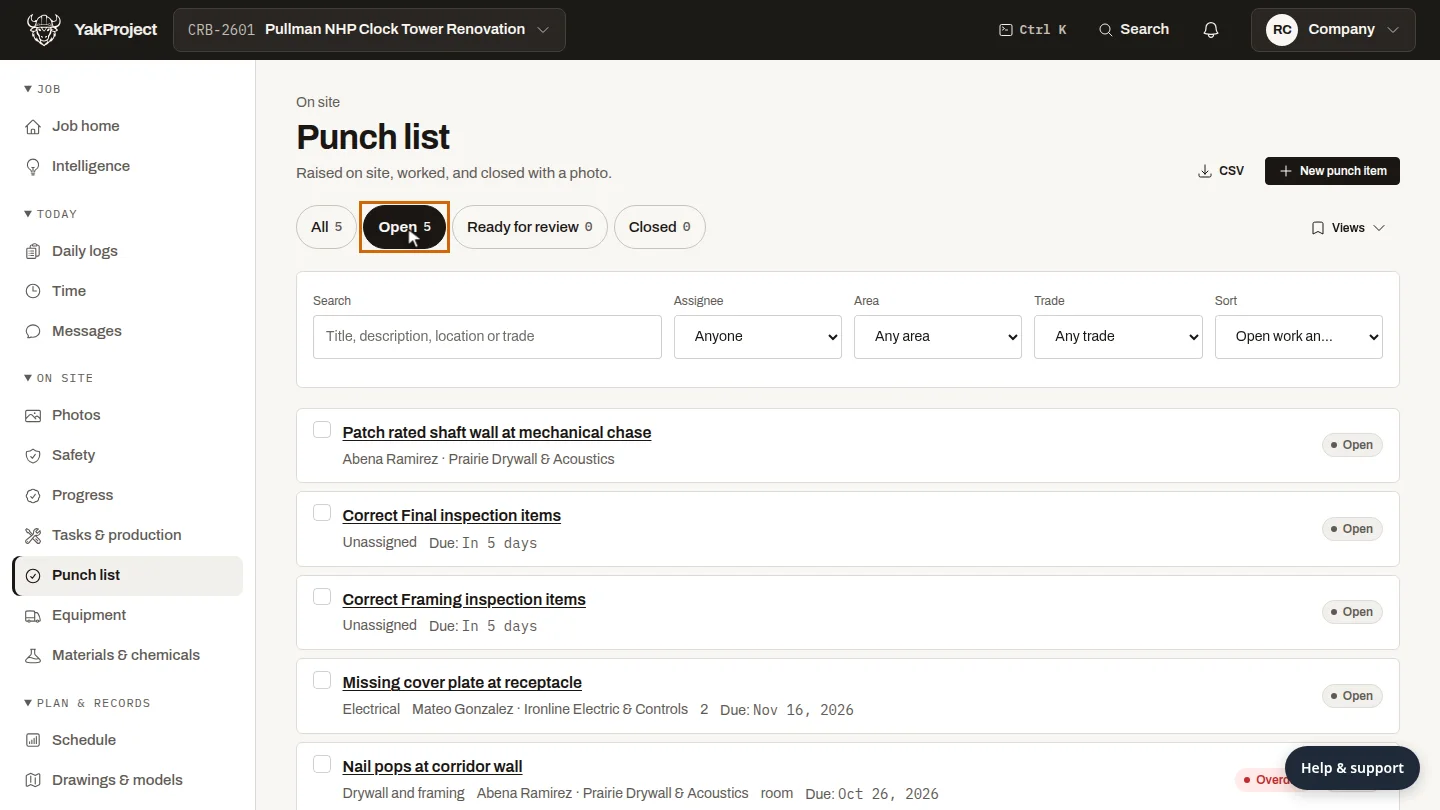
On the Punch list, select Open, so the list shows only the work that isn't finished yet.
Select CSV. The file downloads to your computer, ready to send to a subcontractor or open in a spreadsheet.
Steps
Show the open items ▶ 0:05
On Punch list, select Open.
Download the CSV ▶ 0:12
Select CSV. The file downloads to your computer.
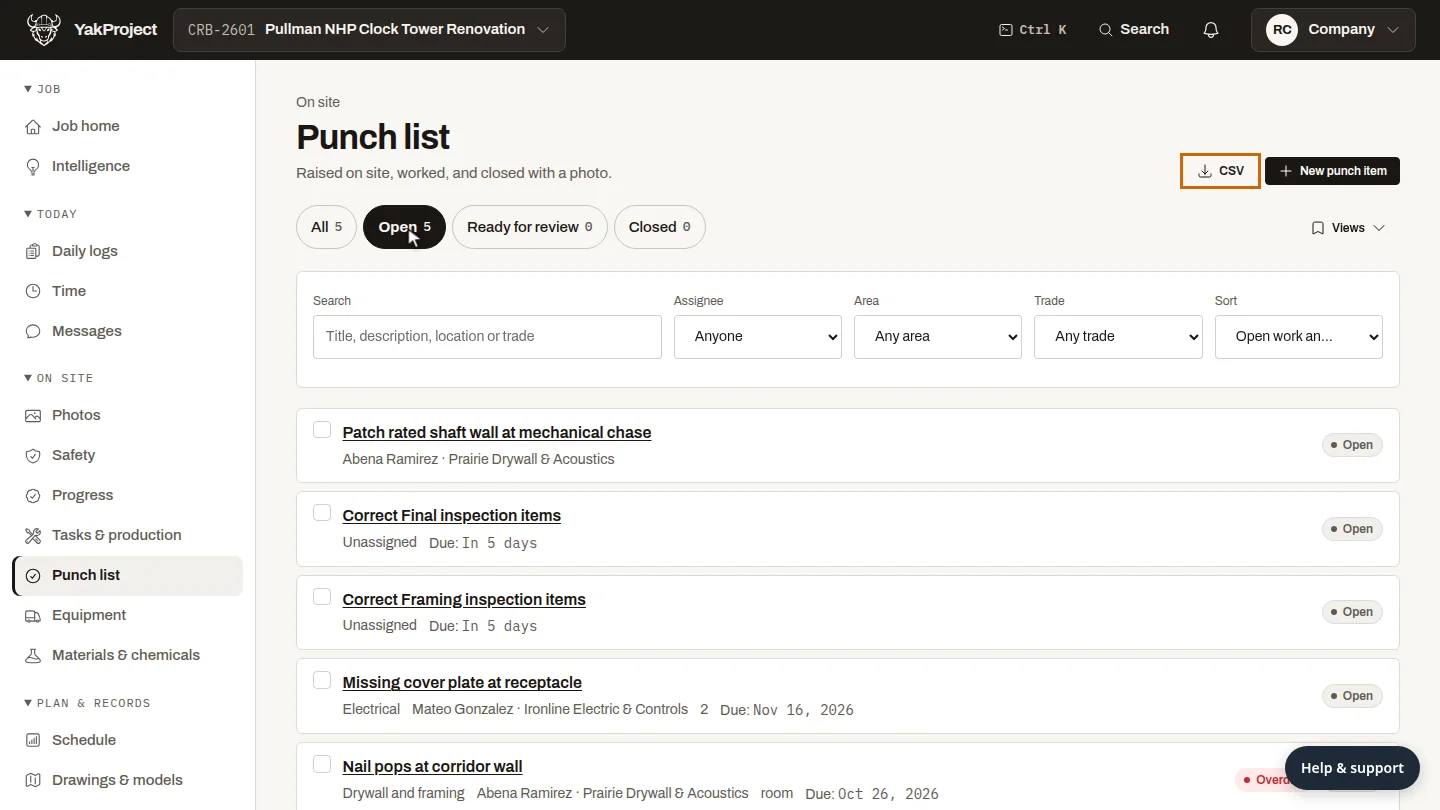
ResultA CSV of the punch items downloads to your computer.
Next steps
Updated 2026-10-26
punch list csv export punch list punch list excel